Monthly Client Report · Features
A report your client will read
Press Save as PDF and you get a clean page with your client's name, your agency and the month.
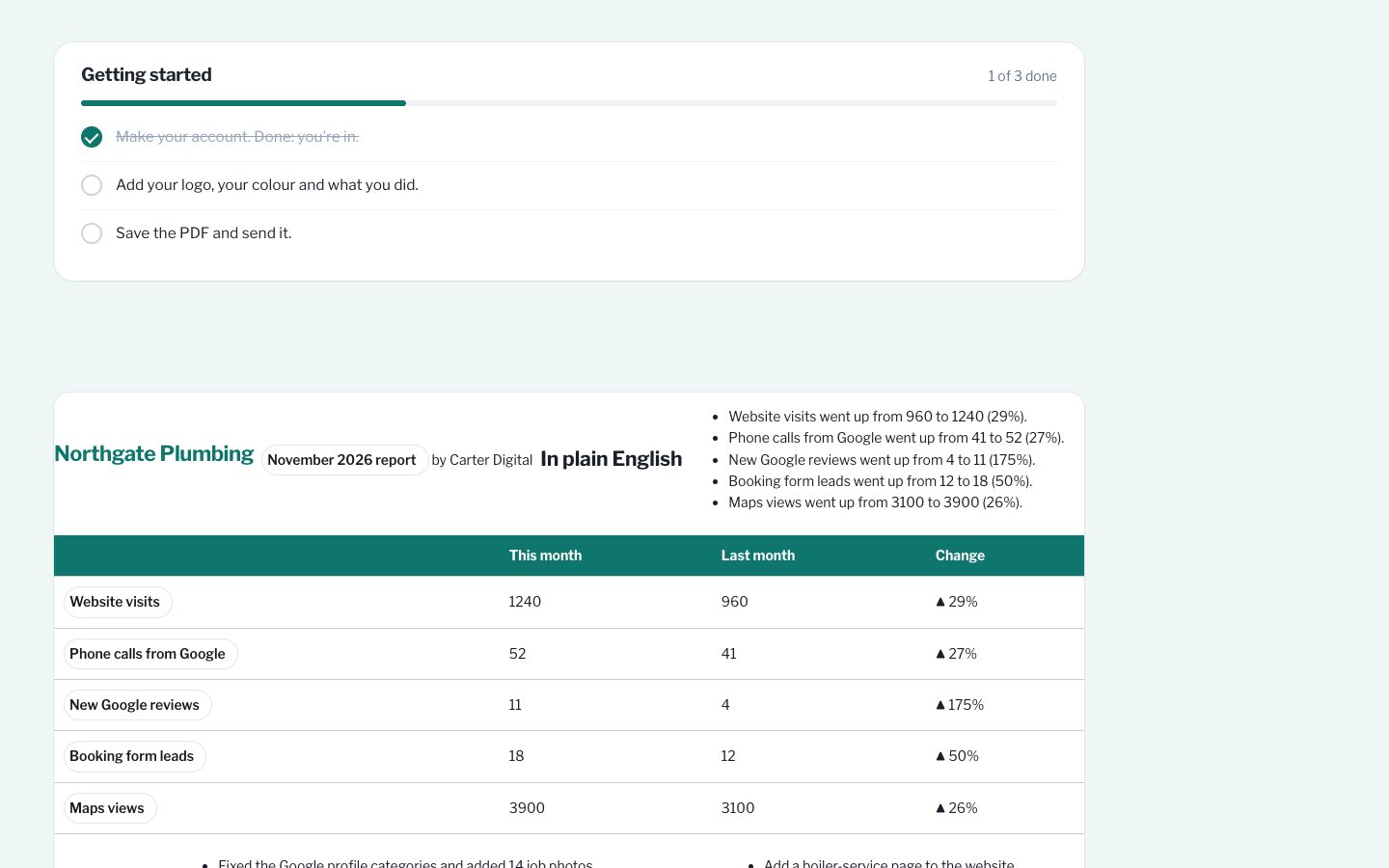
A real screen of Monthly Client Report, with sample data.
Press Save as PDF and pick Save as PDF in the print window. You get one clean page.
Your colour on the table, your logo at the top.
- Your colour on the table
- Your logo at the top
- One page, no logins for the client
How to use it
- Add your logo and colour.
- Press Save as PDF.
- Send it.